· Education · 10 min read
Free vs Paid Push Notification Tools: What Should You Use?
Compare free and paid push notification tools to decide which is best for your business, considering features, limitations, and costs.

· Education · 10 min read
Compare free and paid push notification tools to decide which is best for your business, considering features, limitations, and costs.
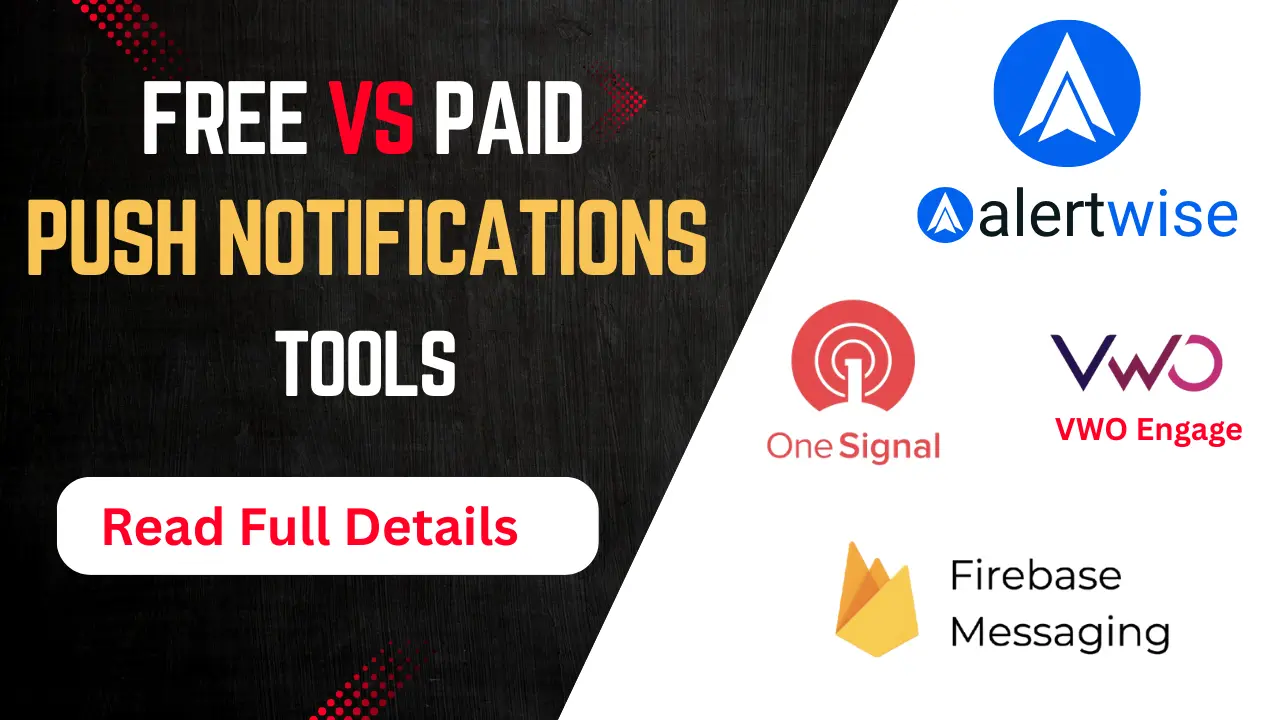
Free vs Paid Push Notification Tools - In today’s digital age, push notifications have become an important marketing tool. It gives brands the opportunity to connect with their users directly and in real-time. Whether you are running a website, developing a mobile app or owning an e-commerce store — push notifications are the fastest and most effective way to deliver timely alerts, offers and information to your users.
When you think of adopting a push notification system, you have two options: free tools and paid tools. The question often arises: which option is better for you? In this article, we will take a closer look at the difference between free and paid push notification tools, their advantages and disadvantages, and which one you should choose based on your needs.
| Speciality | Free Tools | Paid Tools |
|---|---|---|
| Cost | $0 | $500 – $10,000 per month |
| Branding | Tool Name Visible | Fully Custom Branding |
| Features | Basic | Advanced and Automated |
| Subscriber | Limit Limited (5K–10K) | Unlimited or High |
| Tech Support | Limited | 24/7 Support Available |
| Segmentation and A/B Testing | No | Yes |
| Automation | Limited or No | Yes |
| Geotargeting | No | Yes |
Free tools are software or platforms that allow you to set up push notifications at no cost. They have some limitations such as:
Limit on number of subscribers
Limited features
Branding (e.g.: “Sent by ToolName”)
Less customization
OneSignal (with free plan)
Alertwise (with free plan)
Webpushr
PushEngage (with free plan)
Truepush
Paid tools provide premium services that are more powerful and professional than free tools. These are usually paid as monthly or annual subscriptions.
Alertwise (with free plan)
OneSignal (Pro Plan)
PushEngage (Premium Version)
VWO Engage
iZooto
WonderPush
Great for beginners - If you’re running a new startup, blog or website, free tools are great. You get a way to reach your audience without investing a lot.
Basic analytics - Most free tools provide basic analytics like click rates, subscriber counts and delivery reports.
Easy integration - Free tools are easy to integrate into a website or app. Most also come with plugins for WordPress, Shopify or other platforms.
Most free tools display their brand name in the notifications, which can harm your professional image.
Limited features - Features like A/B testing, audience segmentation, geolocation targeting are usually only available in the paid version.
Subscriber limits - On some free tools, you can only send notifications to 10,000 or fewer users.
Add Web Push Notifications to Your Website
Branding Free Notifications - Your brand will be fully visible in the notifications. This increases user trust.
Advanced Analytics - You can track user behavior, click tracking, conversions, etc. in detail.
Automation and Personalization - You can send automatic triggered notifications based on user behavior. This increases both engagement and conversions.
Segmentation and A/B Testing - In paid tools, you can group users based on their interests and test different versions.
Cost - Monthly subscriptions can be a huge expense for startups or small businesses.
Learning requirement - You need some time and technical knowledge to properly use the advanced features.
If you are a new blogger or YouTuber.
Your budget is limited.
You just want to send basic information like new posts, offers, etc.
You want to test push notifications.
You have a large business and need to communicate with thousands of users.
You want to increase conversions.
You need to send automated and personalized notifications based on user data.
You want to build a professional brand image.
Purpose: Notify of new posts, updates, or YouTube videos.
Best choice: Free tools like OneSignal (free version), PushEngage’s free plan.
Why: Free tools are good enough for limited users and ideal for getting started.
Purpose: Abandoned cart reminders, sale notifications, personalized offers.
Suitable alternative: Paid tools like iZooto, VWO Engage, OneSignal Pro.
Why: Large user base, trigger based notifications and segmentation required.
Purpose: New course announcement, live class reminders, assignment updates.
Suitable options: Freemium or paid tools like WonderPush or OneSignal Pro.
Why: Time-scheduled and behavior-based push is a must.
Some tools save your users’ data on their servers.
May lack GDPR/CCPA compliance.
Risk of third-party advertising or tracking.
Most paid tools are GDPR/CCPA compliant.
Data encryption and user permissions are prioritized.
Dedicated support can quickly rescue you from any security issues.
Needs to setup yourself based on documentation.
Responses via email or ticket system are slow.
May have limits on API access.
Live chat, call and email support is available.
Dedicated account manager or support team is available.
Full REST API/SDK access and developer docs are provided.
| Special technology | Free tools | Paid tools |
|---|---|---|
| Trigger-based notifications | Limited | Available |
| Multiplatform support (Web + Mobile) | Some | Almost all |
| Custom event tracking | No | Yes |
| Conversion tracking | Limited | Detailed reports |
| Scheduling by time zone | No | Yes |
Audience size: Small users = free; Large users = paid
Technical knowledge: Are developers = run Firebase; Are non-tech = OneSignal or PushEngage
Marketing goals: Just information or profit generation?
Security requirements: Need GDPR, CCPA?
Budget: Can you spend ₹500–₹2000 per month?
GDPR and CCPA compliance: Important, especially if the audience is in Europe or the US.
User dashboard interface: Is it easy to understand? (UI/UX)
Integration support: Does it work with Shopify, WordPress, WooCommerce, or React/Angular?
Tracking analytics: Does it show open rates, click rates, and user behavior?
Support system: Live chat/email help/FAQ?
When to choose a free tool:
When you’re starting out
Traffic is low
Just want to send basic broadcasts
When to choose a paid tool:
Traffic is growing
Conversion and revenue are your goals
Automation, segmentation, and triggers are important
You want to be GDPR/CCPA compliant
Both free and paid tools have their own features and limitations. If you are a beginner and want to understand the power of push notifications, free tools are a great starting point. But as your business grows and your marketing needs become complex, paid tools can give you more personalization, conversions, and user experience.
Learn how to effectively integrate push notifications into your marketing strategy to boost engagement, drive traffic, and increase conversions.
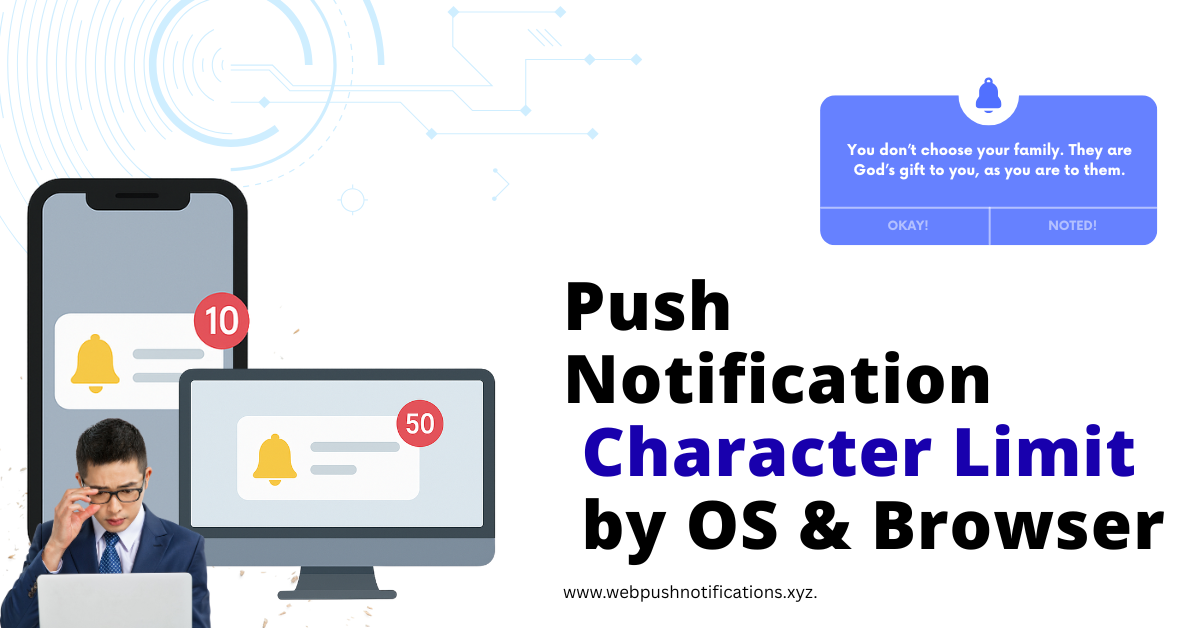
A comprehensive guide to push notification character limits across different operating systems and browsers, helping you craft effective messages.
Explore the technology stack behind push notification services, including service workers, browser push services, and application servers.

Discover how push notifications can help bloggers boost traffic, increase engagement, and build a loyal readership without relying on social media algorithms.